
Trip.com Booking Confirmation: How to Access & Manage Your Reservation

Gambar Profil Penulis
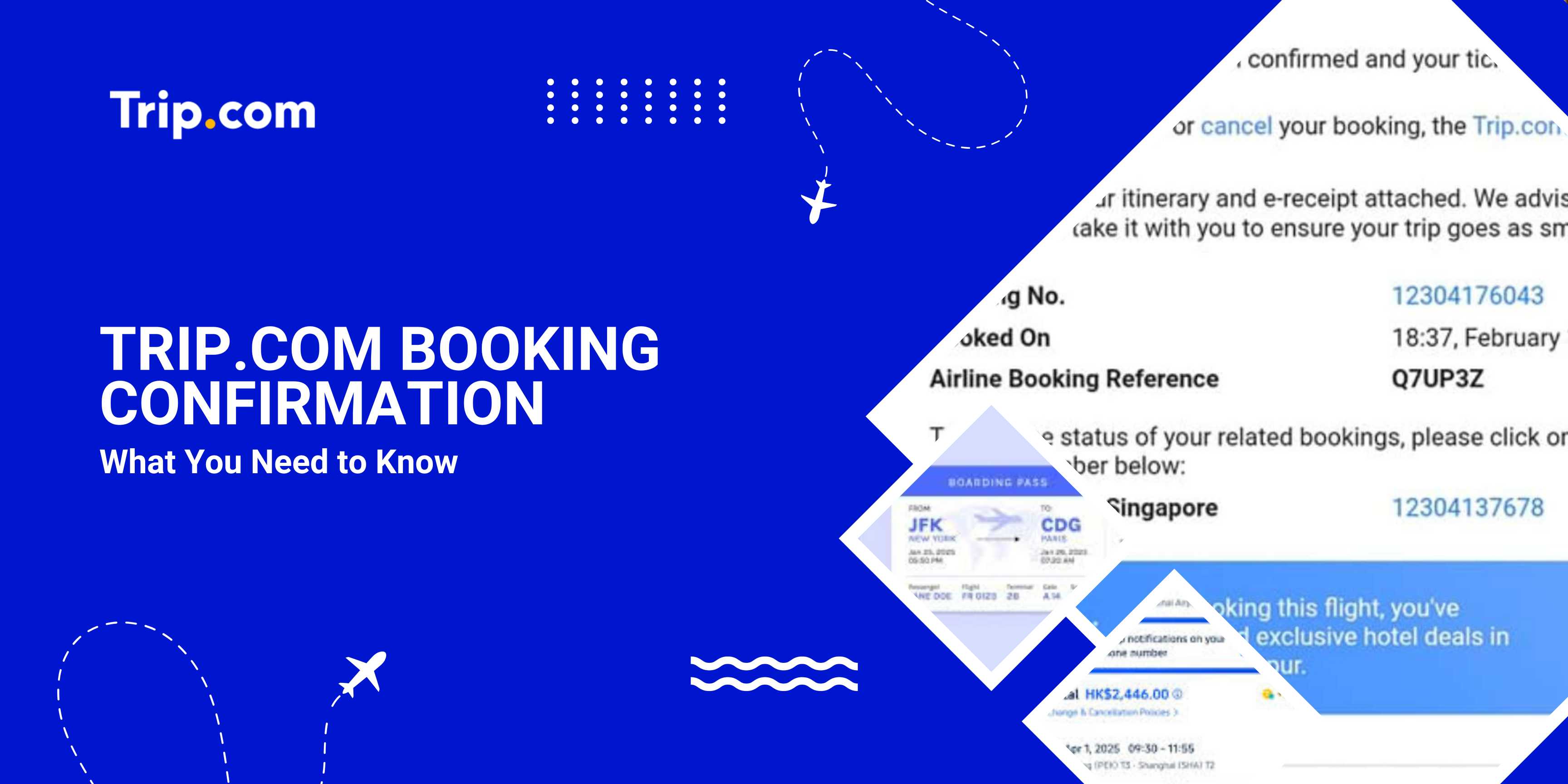
Trip.com Booking Confirmation

Once you've booked a flight, hotel, or travel product on Trip.com, your booking confirmation is the essential document that confirms your reservation and provides all the must-know details for your trip.

Understanding how it works can help you travel stress-free and avoid surprises.

What Is a Trip.com Booking Confirmation?

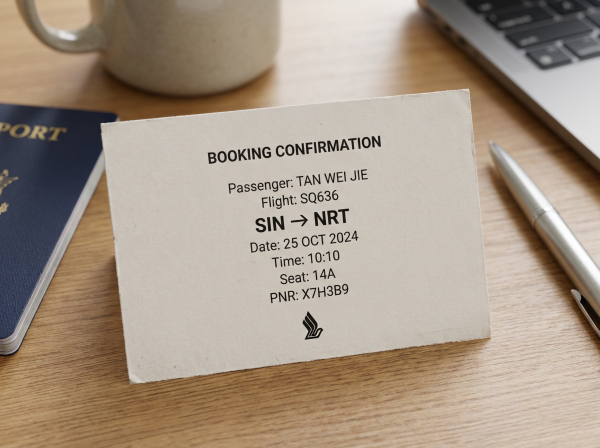
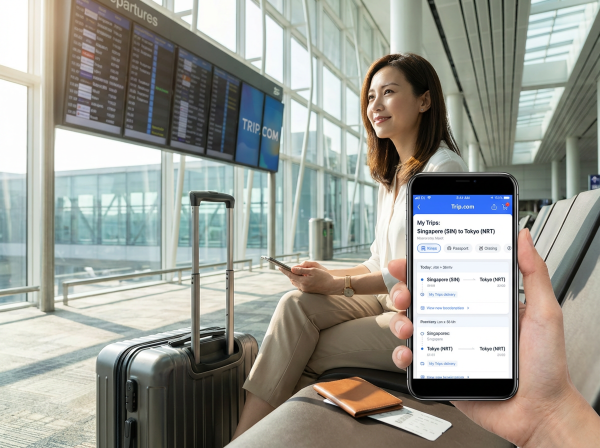
Singapore e-ticket.

Singapore e-ticket.

A Trip.com booking confirmation is an official record of your reservation. It typically includes:

Booking Details

Description

Confirmation Number

Your unique ID for the reservation.

Traveler Details

Names and contact information for all passengers.

Travel Dates and Times

Scheduled dates and times for flights, hotels, and other bookings.

Payment Details and Total Cost

Amount paid, payment method, and any taxes or fees included.

Cancellation and Change Policies

Terms for changing or canceling your reservation.

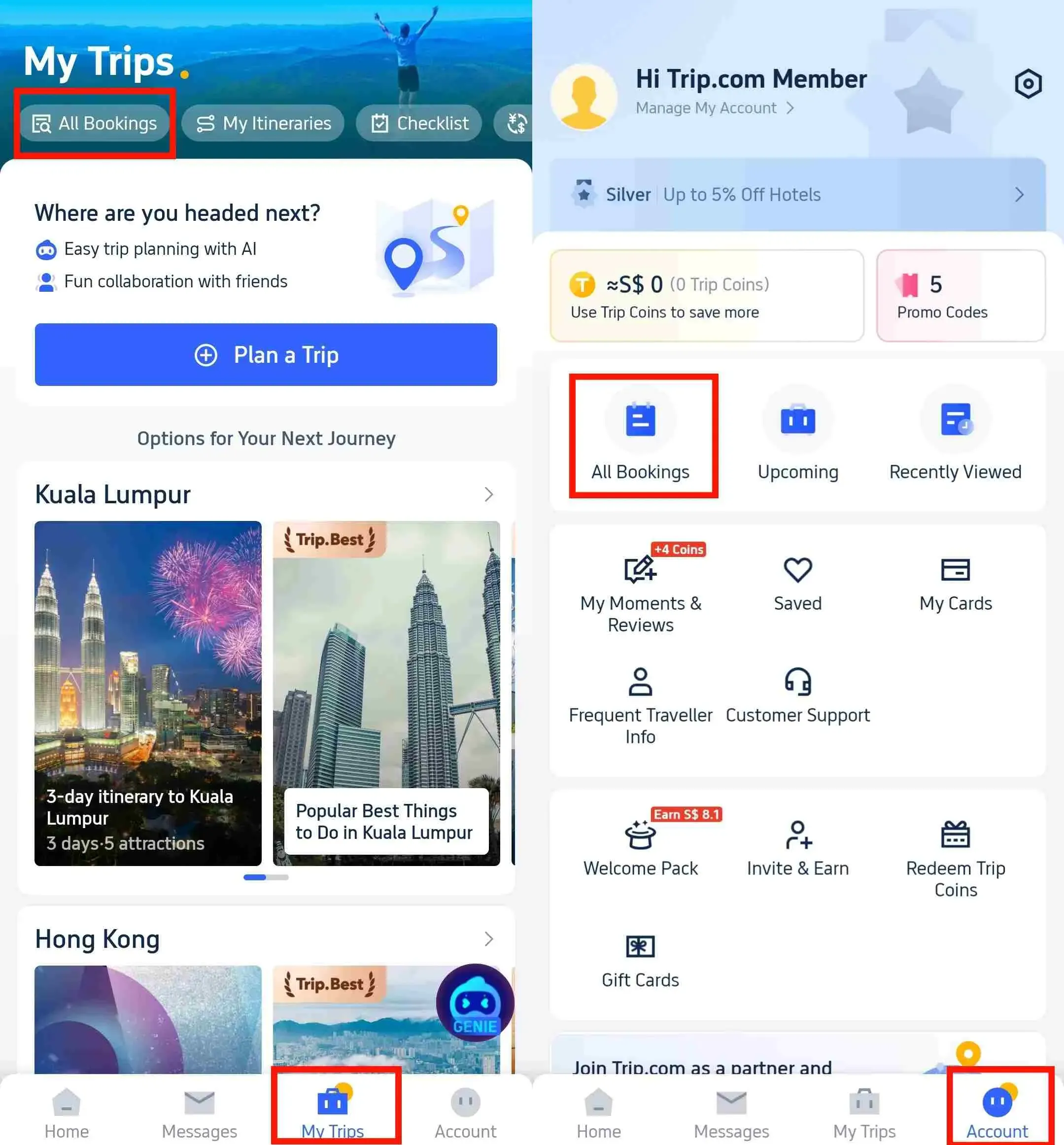
💡Note: Once your booking is complete, Trip.com will send your confirmation email right away. You can also find it in the Trip.com app under “My Bookings.”

Why This Is a Must-Know

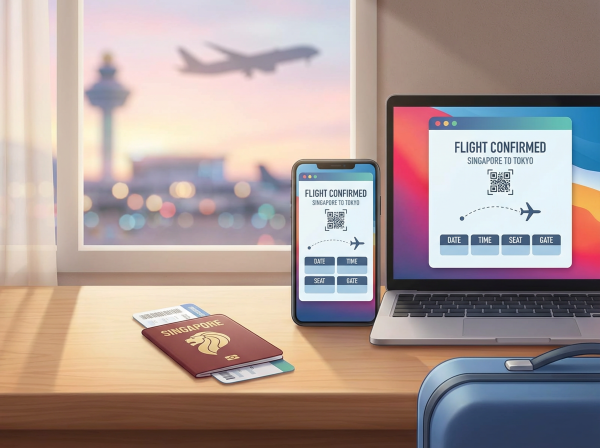
E-ticket Confirmation

E-ticket Confirmation

Your booking confirmation serves as proof that your reservation is valid. You’ll need it when:

Location

Why You Need Your Booking Confirmation

Checking in at the airport

Serves as proof of your flight reservation and allows you to complete check-in.

Confirming your hotel reservation

Ensures the hotel confirms your reservation and room details.

Requesting a refund or making changes

This is what Trip.com needs to confirm your booking and ensure any changes are handled smoothly.

Contacting Trip.com Customer Support

Provide your booking reference and details for faster assistance.

💖Pro Tip: Keeping a digital or printed copy ensures a smooth trip, especially if any issues arise.

How to Access Your Booking Confirmation

Via Email Confirmation

  • Ready for your next adventure? Just check the email inbox you used for your booking! Trip.com sends a detailed confirmation your way the moment your payment is complete, so all your exciting plans are officially locked in.
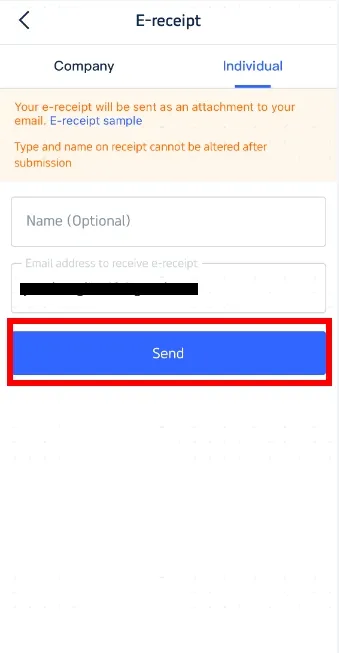
Get Your E-Receipt | Step 3: Enter Receipt Details

Via the Trip.com website

Step 1: Log in to your Trip.com account, head to "My Bookings," and select the flight or hotel reservation you'd like a receipt for.

Trip.com Hotel Refunds

Step 2: Click “E-Receipt” to email the receipt or “Download Receipt” to save it as a PDF for printing or sharing.

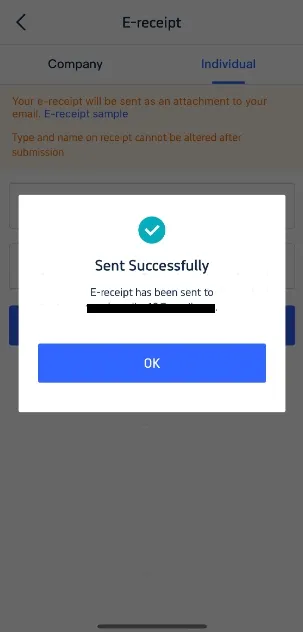
Get Your E-Receipt | Step 4: Confirm & Receive Your E-Receipt

Via the Trip.com App

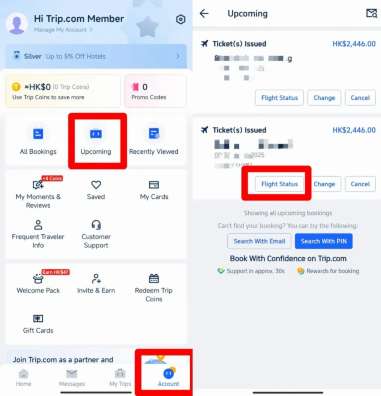
  • Open the app, head to “Account,” and select your upcoming reservation to view the details.
Flight Status on Trip.com

How long does it take to get your Trip.com e-receipt?

Trip.com Ad Image

Location

Why You Need Your Booking Confirmation

Checking in at the airport

Serves as proof of your flight reservation and allows you to complete check-in.

Confirming your hotel reservation

Ensures the hotel confirms your reservation and room details.

Requesting a refund or making changes

This is what Trip.com needs to confirm your booking and ensure any changes are handled smoothly.

Contacting Trip.com Customer Support

Provide your booking reference and details for faster assistance.

How to Book a Flight

You can book your flight through the Trip.com app or website. Here are the steps:

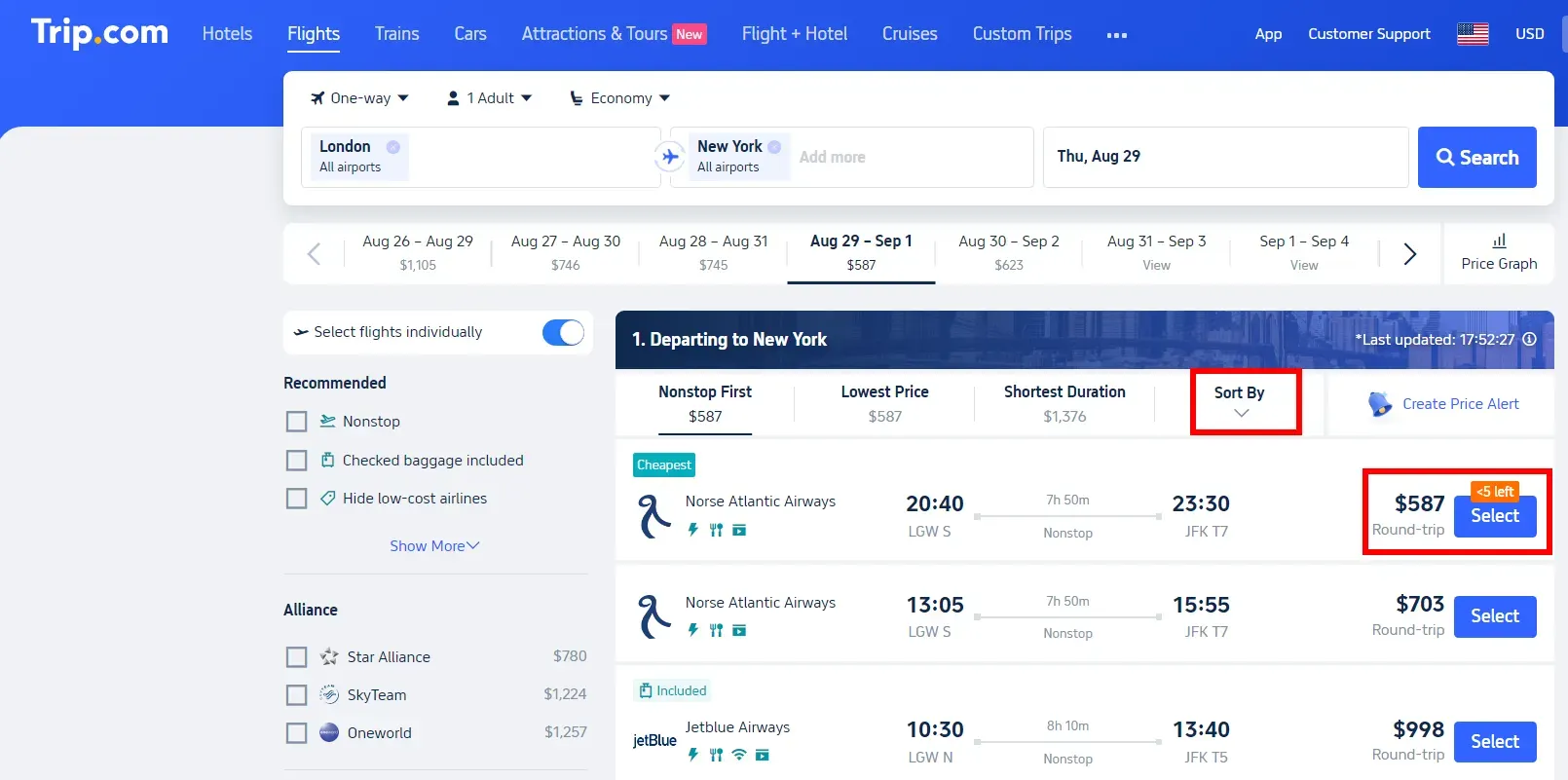
Step 1: Flight Search

  • To start your next adventure, first select round-trip or one-way, the number of passengers, and your preferred cabin class on the flight search screen. Then, simply choose your desired departure city, destination, and travel dates!
  • Then, search for flights and pricing plans.
How to Book Cheap Flights on Trip.com

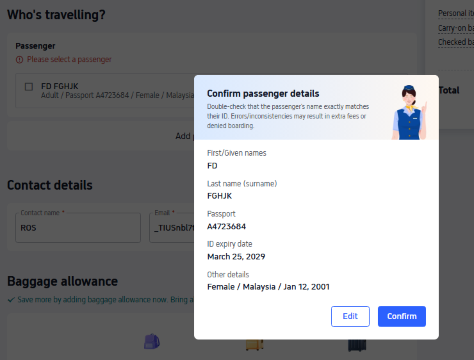
Step 2: Enter and confirm passenger information

  • Choose your ideal flight and fare, then enter your traveler information on the next screen.
  • If you'd like to add a checked baggage allowance, select "Checked Baggage Fees > Add Checked Baggage" and click "Next."
  • Once you've entered the passenger information, click "Next" at the bottom of the screen. Double-check that your reservation details are correct, and then click "Next" again!

Double-Check Your Passenger Info

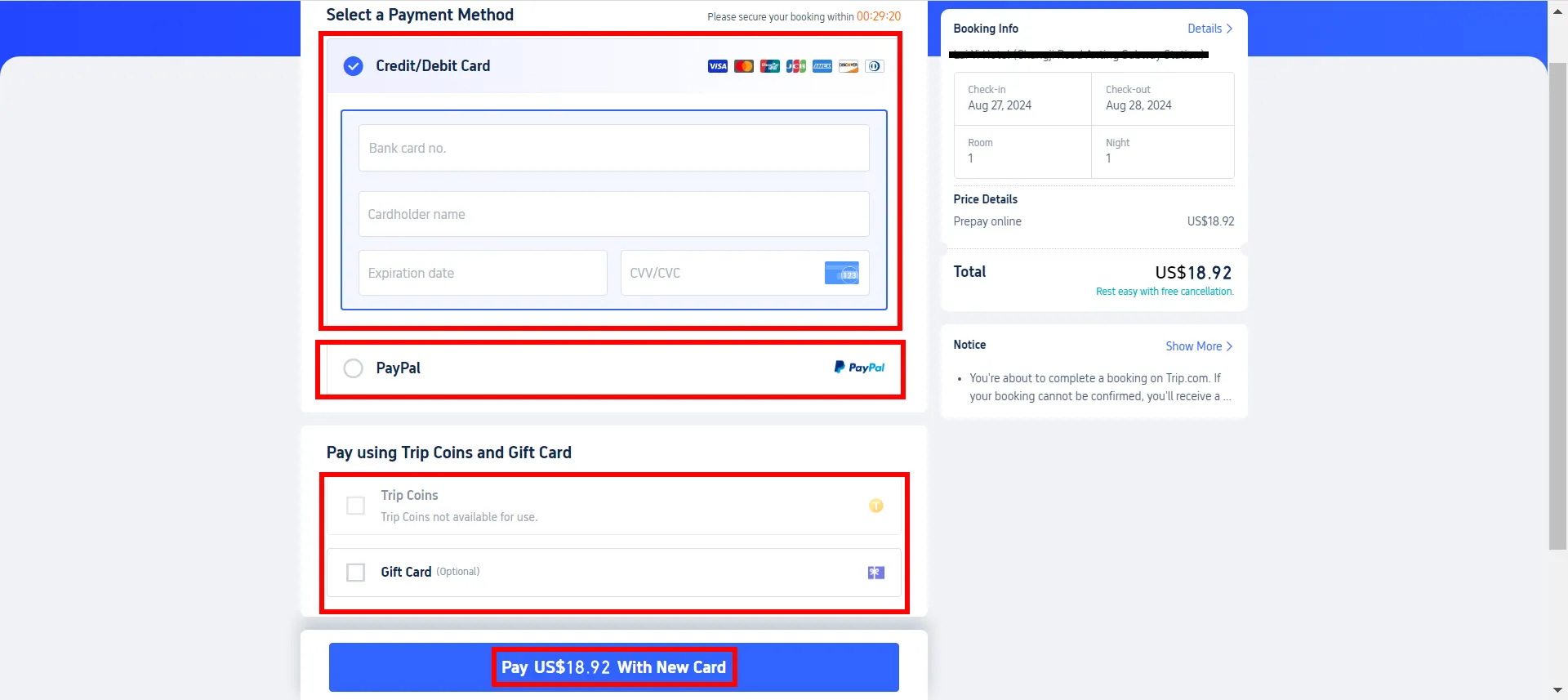
Step 3: Payment

  • Once you've selected your options and double-checked your passenger information, click the "Pay" button below to head to the payment screen.
  • Available payment methods vary depending on each reservation.
Payment Methods

Step 4: Issuing your flight ticket

  • Once your ticket has been issued, we'll send you an "Airline Ticket Reservation Confirmation" straight to your email!
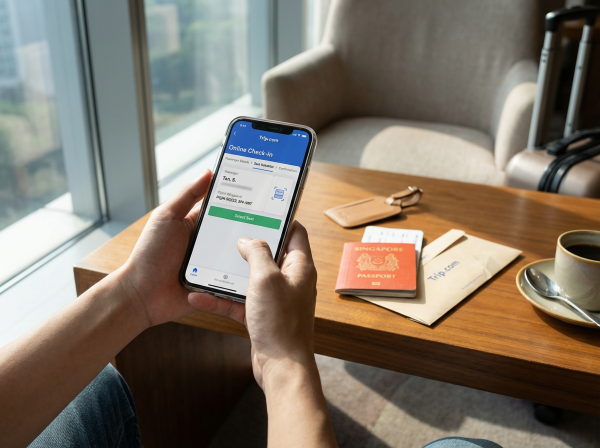
Online check-in

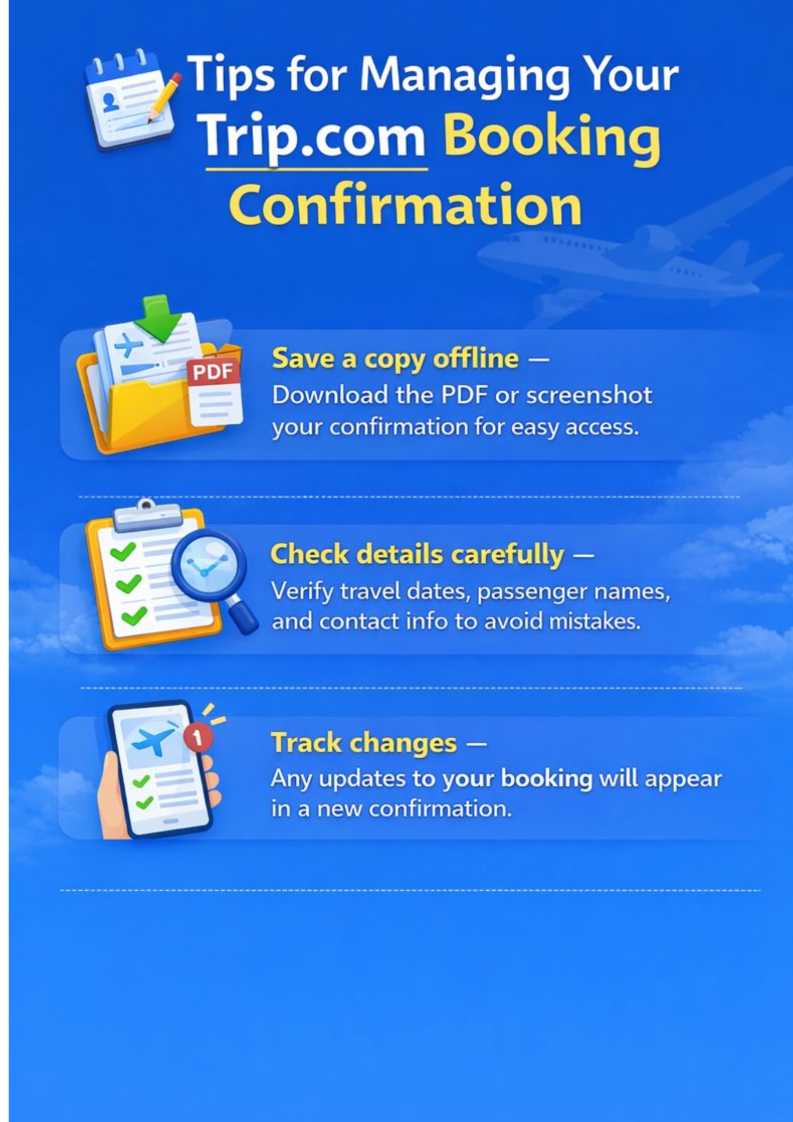
Tips for Managing Your Booking Confirmation

Tips for Your Booking Confirmation

Final Thoughts

Airport departures hall.

Airport departures hall.

A Trip.com booking confirmation is more than just a receipt—it’s your travel assurance.

By understanding what’s included and keeping it easy to access, you can travel with confidence, knowing your flights, hotels, and other reservations are secure.

FAQ: Trip.com Booking Confirmation

  • What is a Trip.com booking confirmation?

    A Trip.com booking confirmation is an official record of your reservation, including booking reference, traveler details, travel dates, payment, and policies.
  • How do I receive my booking confirmation?

    Trip.com sends a confirmation via email immediately after booking. You can also access it through the Trip.com app or website under “My Bookings.”
  • Can I print or save my Trip.com booking confirmation?

    Yes! You can download a PDF, screenshot it, or print it. Keeping an offline copy ensures easy access, especially during travel.
  • What should I do if there’s an error in my booking confirmation?

    Check your reservation carefully. If there are mistakes in dates, names, or flights, contact Trip.com customer support immediately to correct it.
Disclaimer: This article has been provided by an individual contributor or third party platform. If there is any discrepancy regarding the copyright, please contact us directly and we will delete the content immediately.
Amal

Amal

Traveller, Writer, Sea Lover, Travel Guide, Explore the world

Hi, nice to meet u~ I love traveling and exploring the world, and my dream is to travel around the world! Forever free and happy, I'll be sharing some travel tips that I hope will be helpful.

302 artikel
ChinaMalaysiaTravel TipsTravel Guide
>>
Trip.com booking confirmation
aaaa