




How to Use Alipay for Public Transportation in China
Alipay is also widely used in China’s transportation system:
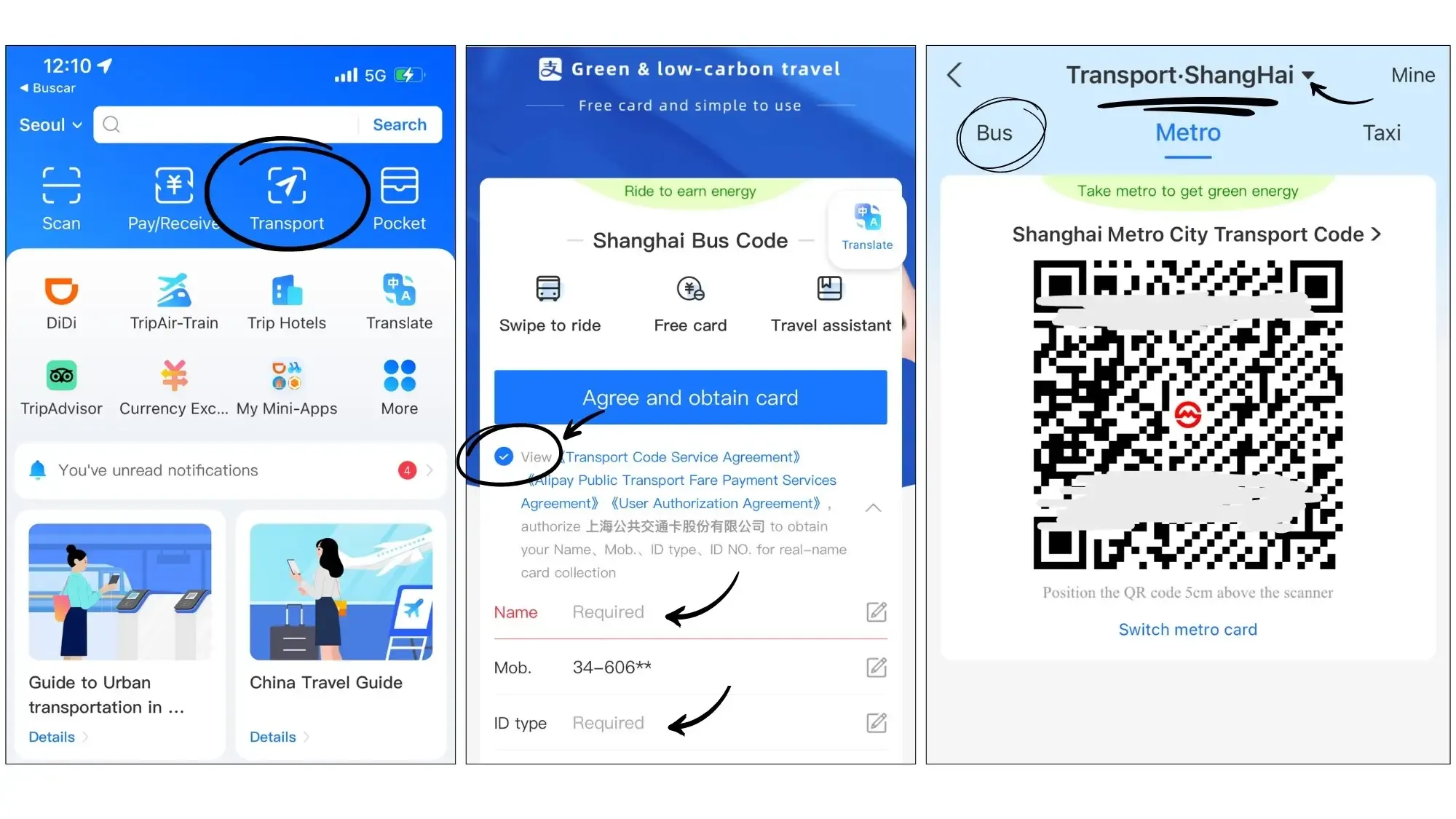
- Subway and Buses: Many cities’ subways and buses can be accessed by scanning QR codes with Alipay. At the station entrance, open Alipay, tap "Travel Code", and scan the QR code at the gate to enter or exit.
- Taxis: You can use Alipay to pay taxi fares. Open Alipay, select the "Taxi" function, choose your taxi, and complete the payment.
- Shared Bikes: Use Alipay to unlock shared bikes. Scan the bike’s QR code, pay the deposit or rental fee, and you’re ready to ride.
Open Alipay, tap the transportation icon on the homepage, select your city (e.g., Shanghai), and choose subway, bus, or bike options.
How to use Alipay to order food
Alipay isn’t just for shopping and transport; it’s also widely used in China’s dining scene. Many restaurants and delivery platforms support ordering with Alipay. Here are the steps:
1. In a restaurant or via delivery platforms
Some restaurants support in-store ordering with Alipay, or accept Alipay via delivery platforms like Ele.me or Meituan Waimai. Choose based on your situation.
In-restaurant ordering
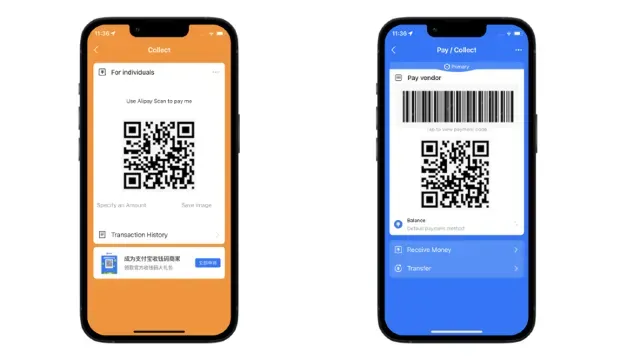
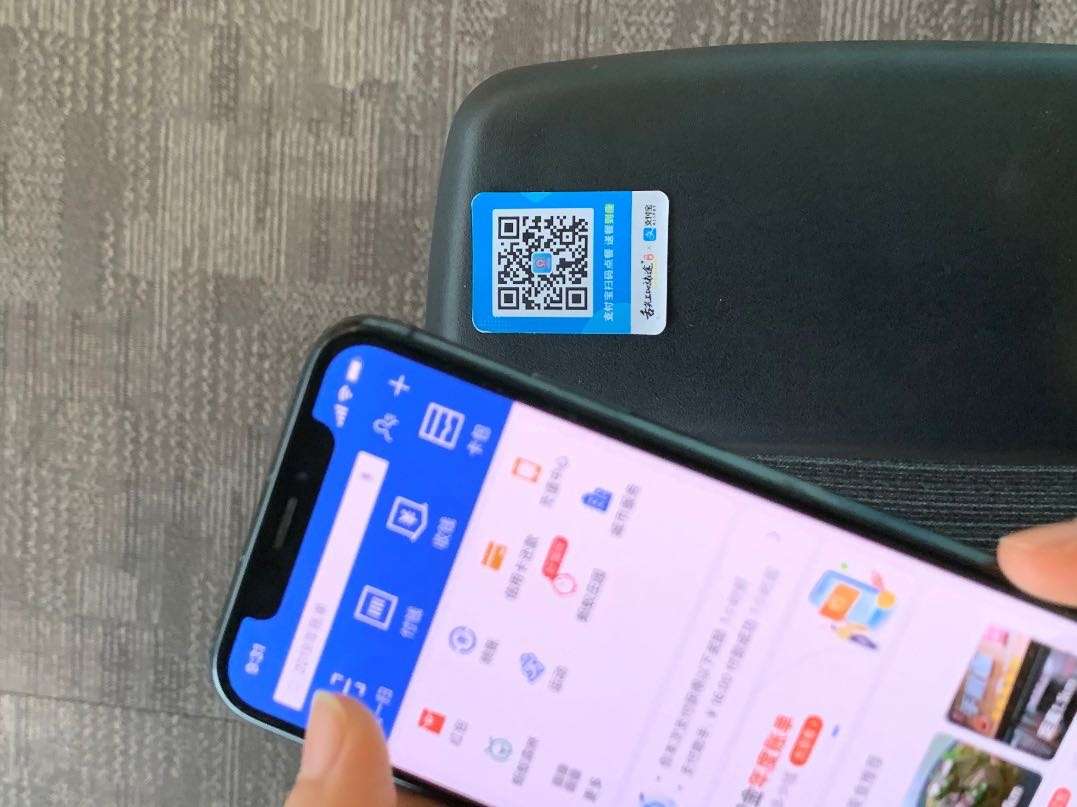
- Scan the QR code: There’s usually a QR on the table. Open Alipay → Scan.
- Choose dishes: After scanning, you’ll enter the restaurant’s menu. Browse and select what you want.
- Place order & pay: Tap Confirm Order, go to the payment page, choose Alipay, and complete payment via password or face recognition.
Ordering via delivery platforms
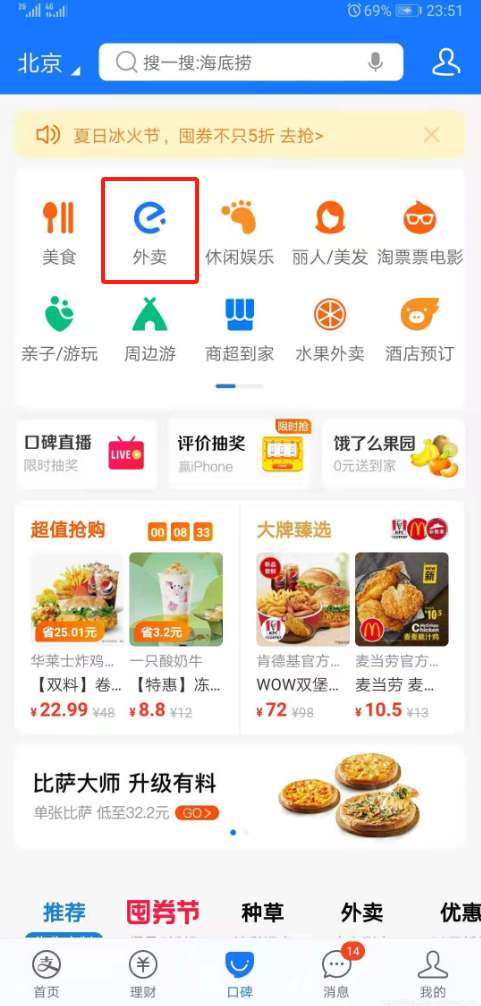
- Open Alipay → tap Food Delivery on the home screen → choose Ele.me or Meituan.
- Browse restaurants and menus, select your food.
- Confirm the order and pay with Alipay (enter payment password to complete).
2. Use Alipay coupons or points
If you have red packets (红包) or points, you can apply them at checkout to offset part of the cost. The payment page will show the available amount—tick to apply.
3. Wait for delivery or pick up
- Delivery: After payment, the platform shows the estimated delivery time; wait for your food.
- Pickup / dine-in: If you chose pickup, go to the restaurant to collect, or wait for staff to bring it to your table.
Tips:
- Skip the queue: Ordering via Alipay helps you avoid long lines.
- Convenient payment: Multiple methods (password, fingerprint, face ID) make paying easy.
- View orders & invoices: You can check order details, spending records, and e-invoices anytime in Alipay.
Alipay vs Touch ’n Go (TNG)
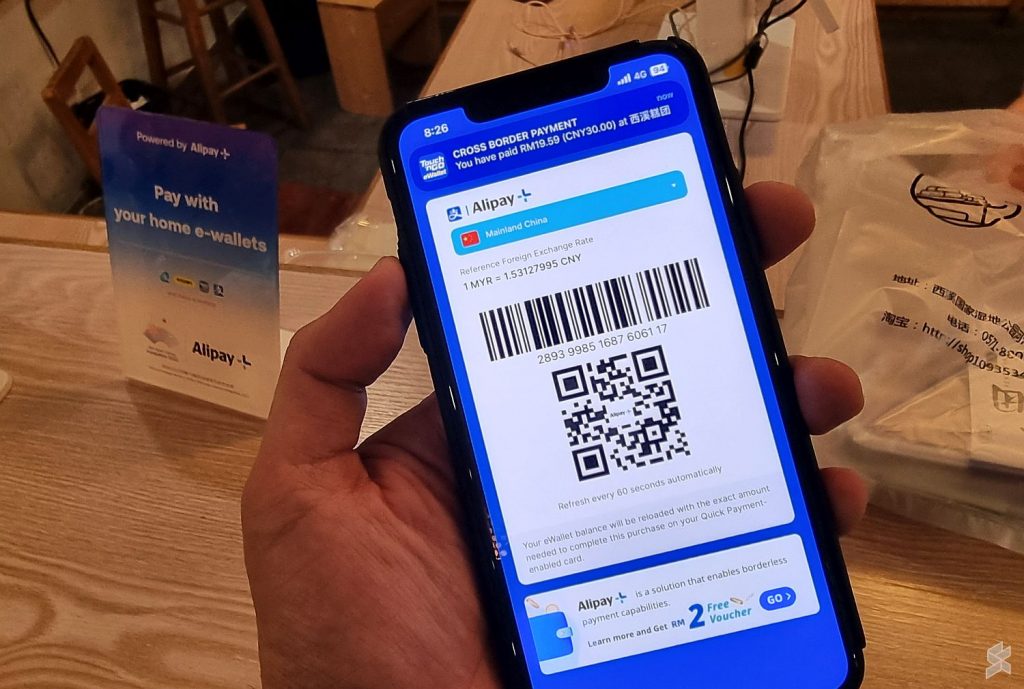
Alipay and Malaysia’s Touch ’n Go (TNG) e-wallet are both widely used mobile payment tools. With the growth of cross-border payments, TNG has partnered with Alipay so Malaysian users can pay in China using the TNG e-wallet. Here’s a comparison to help you understand their strengths and use cases:
Feature | Alipay (Alipay) | Touch ’n Go (TNG) e-Wallet |
|---|
Registration requirement | Yes (ID required) | No (use existing TNG account) |
Payment functions | Payments, transfers, investments, etc. | Payments, reward points, etc. |
Cross-border payments | Yes (supports multiple countries) | Yes (via Alipay partnership, supports China) |
Exchange rate transparency | Real-time rates shown | Real-time rates shown |
Currency conversion fee | Possible (depends on bank) | ~1% per transaction |
Use cases | Merchants in China and other countries | Alipay-supported merchants in China |
Can I use Touch ’n Go (TNG) in China?
Thanks to the TNG–Alipay partnership, Malaysian users can pay at some merchants in China using the TNG e-wallet. However, not all merchants accept TNG, so downloading Alipay is generally more convenient.
1. Ensure your TNG account is linked to a bank card
Before using TNG in China, make sure your TNG e-wallet is linked to a valid bank card or credit card so you have sufficient funds.
2. Update your TNG app
Install the latest version from Google Play or the App Store to access the newest TNG–Alipay features.
3. Choose payment method
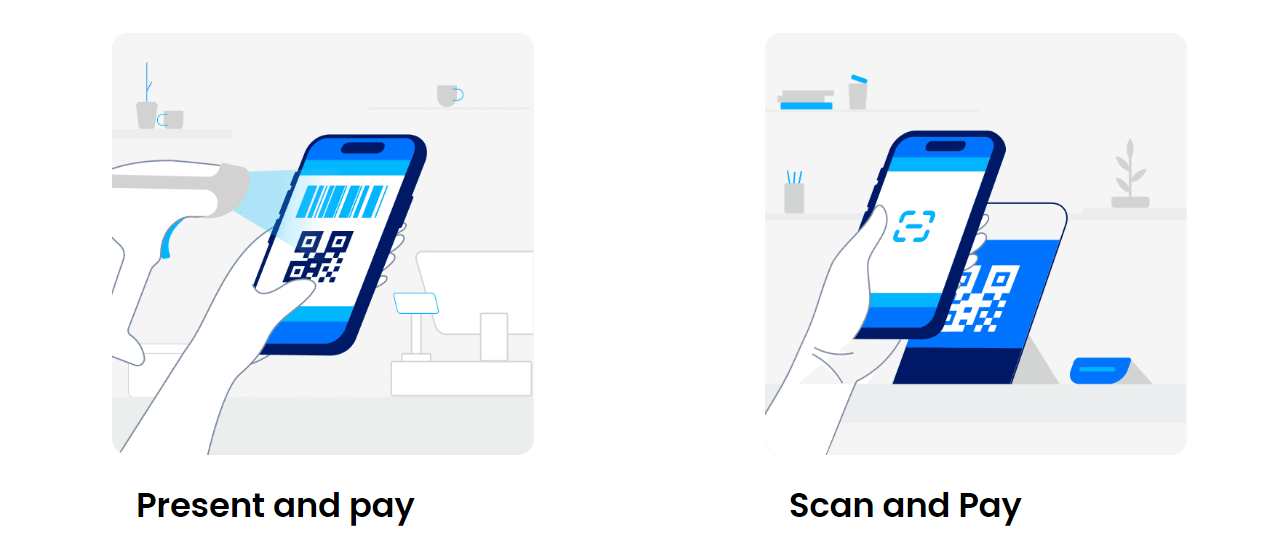
Many Chinese merchants present an Alipay QR for payment. You can choose to pay with TNG as follows:
- Open the TNG app.
- Go to the TNG Pay page.
- Choose Alipay payment (ensure the merchant supports this option).
4.Scan the merchant’s QR code
When the merchant displays an Alipay QR, select Scan in the TNG app to scan it. The system will jump to the TNG payment screen.
5. Confirm amount and exchange rate
The payment page shows the transaction amount and real-time FX rate. Check and confirm there are no errors.
6. Complete the payment
Tap to pay after confirming. The amount is deducted from your TNG balance. You can view the transaction details afterward.
7. Payment success notification
After payment, you and the merchant will receive confirmation and the transaction is complete.
Notes:
- FX conversion fee: TNG converts currency at real-time rates and charges about 1% per transaction.
- Supported merchants: Not all Chinese merchants accept TNG; typically only those partnered with Alipay do. Confirm in advance whether the merchant supports Alipay (i.e., TNG) payment.
- Account balance: Ensure your TNG balance is sufficient; top up in advance if needed.
🏁 Summary
- Within China: If you’ll stay long-term or use many Alipay features frequently, it’s best to register and use Alipay.
- Short trips: For short-term travelers, paying via TNG through its Alipay partnership can be more convenient, with no extra registration.
- Cross-border travel: Both Alipay and TNG offer cross-border services—choose based on your needs.
Alipay vs WeChat Pay: Which is easier for foreigners?
Alipay and WeChat Pay are China’s two mainstream payment platforms. Foreigners can choose based on their habits:
- Alipay: Used more frequently at tourist attractions, malls, and convenience stores; more support and better internationalization for foreign visitors.
- WeChat Pay: Better suited for long-term residents in China, tightly integrated with the WeChat social platform for daily social interactions and payments.
For short-term tourists, Alipay may be more convenient because it has broader support in the tourism sector and among international-facing merchants. Its interface is simpler and generally easier to operate.