






✅What procedures are required to travel to China? Do I need a visa? For more entry guidelines, please see: China Arrival Card, China Visa, Visa Guide for MalaysianKey Features of the Dianping App
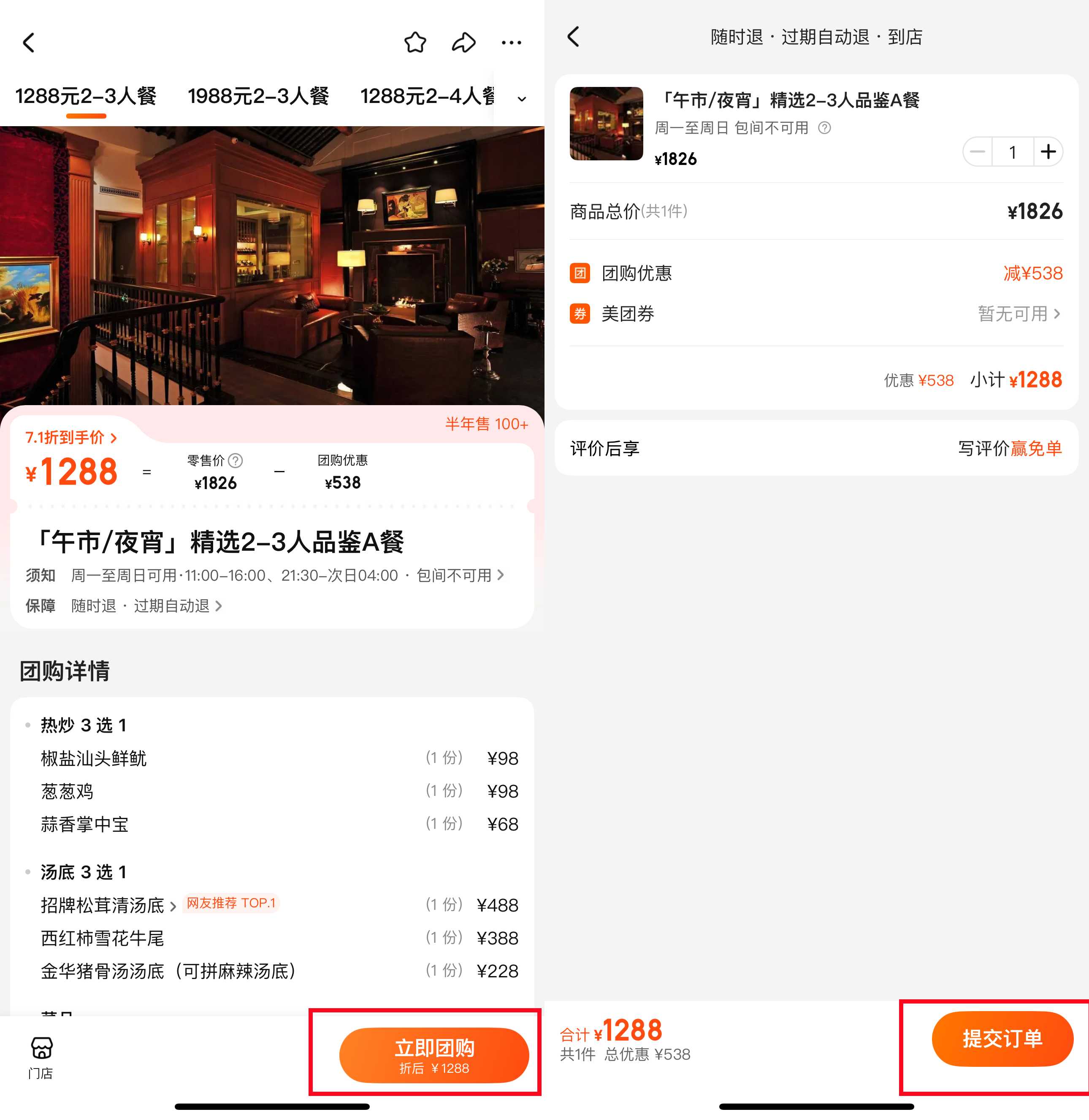
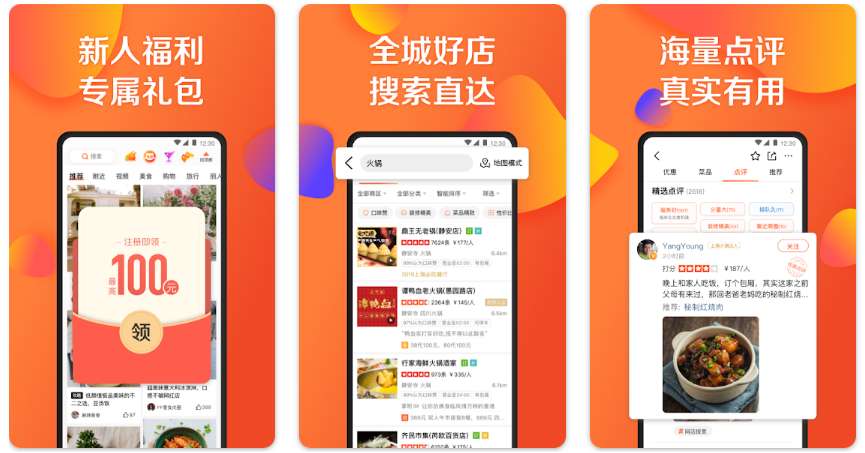
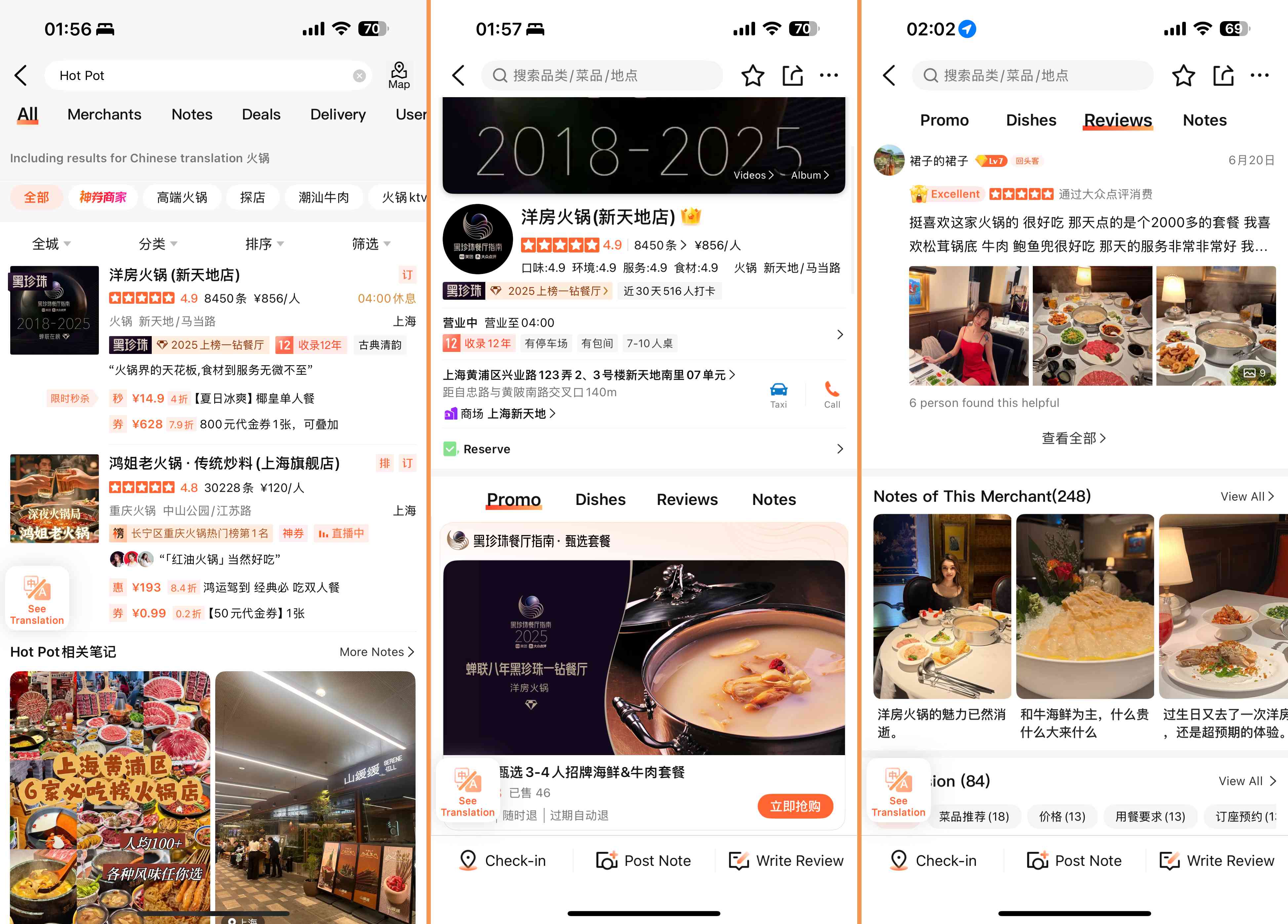
- Restaurant Reviews and Ratings: Easily find great places to eat by checking honest reviews and star ratings from locals. You can view photos and menus before visiting, so you know what to expect.
- Reservations and Delivery: Many restaurants allow you to book a table directly through the Dianping app, making it super convenient. You can also order food directly via the app.
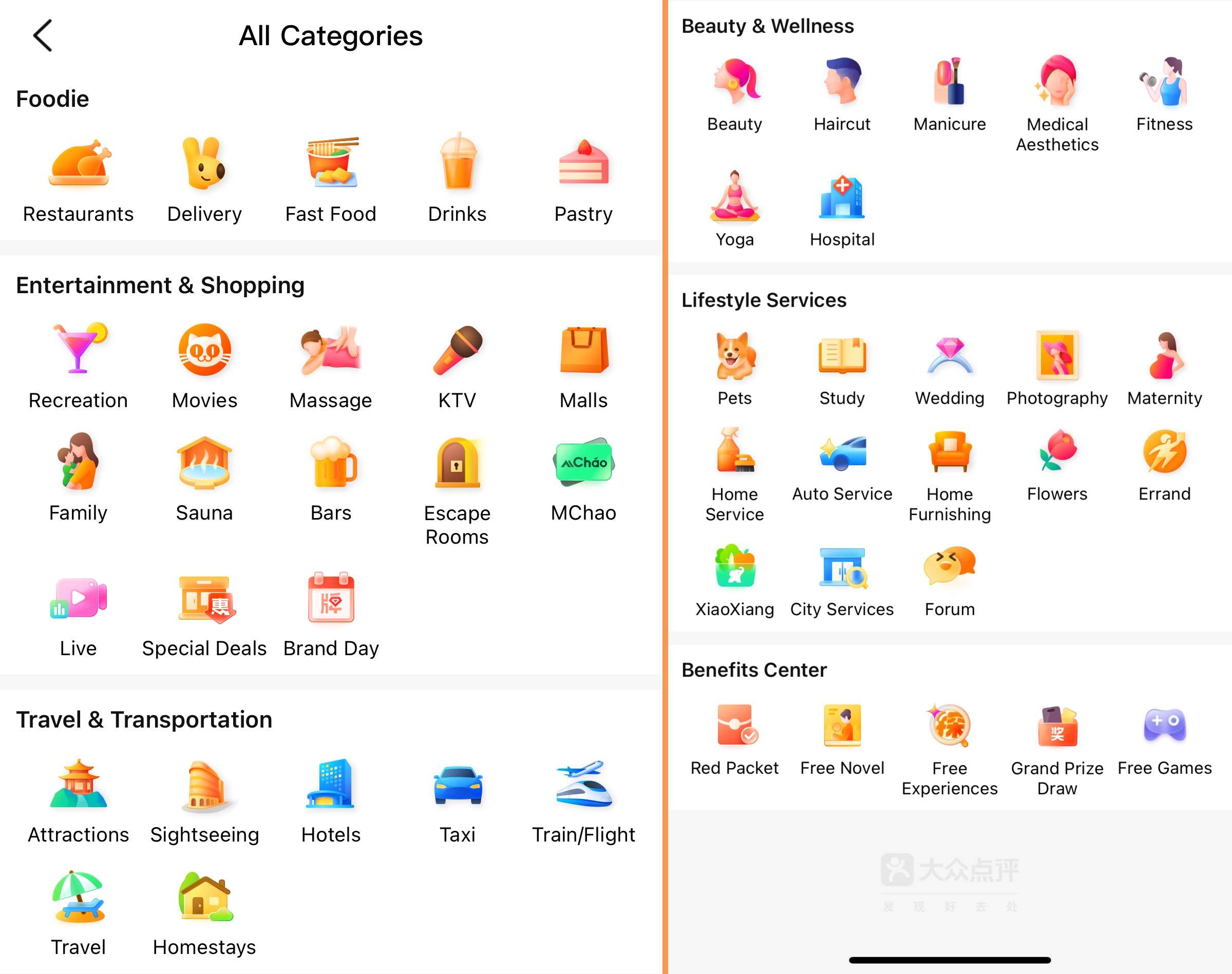
- Lifestyle Services: Need a haircut, massage, movie tickets, or show tickets? Dianping offers local service listings and reviews to meet all your needs.
- Location-Based Search: The Dianping app shows places near you, so you can discover great spots without much planning. You can also switch cities manually in the top left corner.
- Hotel and Flight Booking: Dianping also helps you book hotels and flights. You can check local deals and read user reviews.
- Ride-Hailing: Need a quick ride? You can book taxis or private cars right from the app.
🎁 Search for the cheapest flights to China, book the best hotels in China, and get a fast connection with a China eSIM!How to Use Dianping as a Foreigner?
Download and Install the App
Search for "Dianping" in your app store and install it. The app is primarily in Chinese, but don’t worry, it can switch to English for travelers.
Create an Account & Switch Language
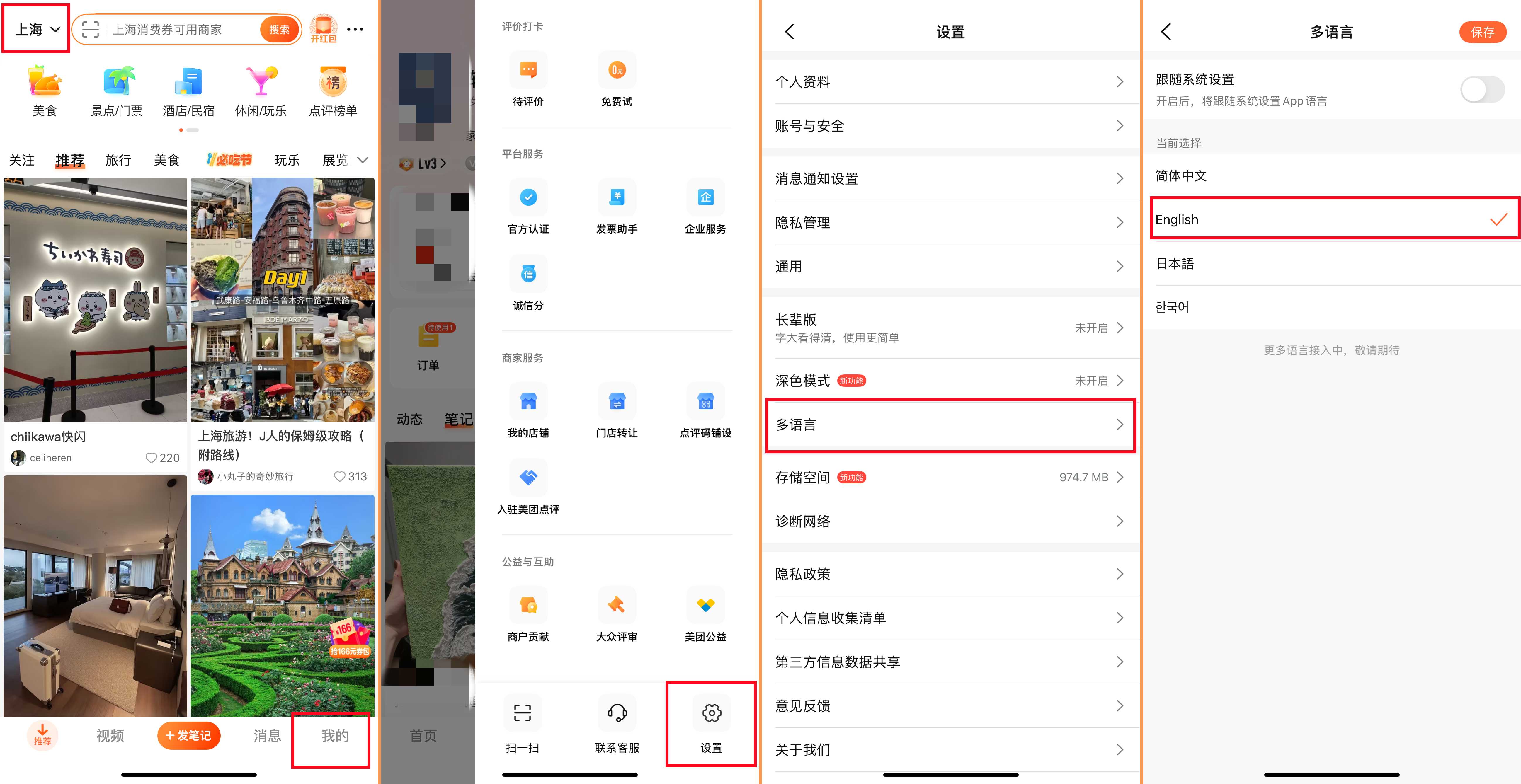
To book or order, you’ll need to sign up. You’ll need a phone number to register, and using a local Chinese SIM card will make it easier. If you want to switch the language, just tap "我的" - "设置" - "多语言" - "English."
Use Location Services
Allow Dianping to use your location. This way, it can show places near you, making it easy to explore on the go. You can also switch the city manually in the top left corner.
Open the App and Explore
Open Dianping and browse around. You’ll see categories like food, hotels, and services. Try tapping on them to see what’s inside.
Use the Search Bar
Type what you want in the search bar. For example, “restaurants,” “massage,” or “taxi.” You can also type names of places or food types.
Check Reviews and Ratings
Look at the stars and read reviews by locals. Even if you don’t understand everything, photos and ratings give you a good idea.
Book or Order
Once you find a place you like, you can book a table, order food, book a hotel, or call a taxi right from the app.
Payment
Most payments use WeChat Pay or Alipay, which require a Chinese bank account. Sometimes international cards work, but check first.
Keep Your Confirmation Info
After booking anything on Dianping, make sure to save your confirmation details. Take a screenshot, save the QR code, or note down the booking number. This will help avoid confusion when you arrive or if you need to show proof.
😀 Pro Tip: To stay connected throughout your visit, consider getting a China eSIM. Just activate and go!
✅ Need Internet in China? Get a China eSIM card to quickly access services like Instagram/YouTube/WhatsApp without the need for a VPN! (Many foreign apps are blocked in China 😱)